
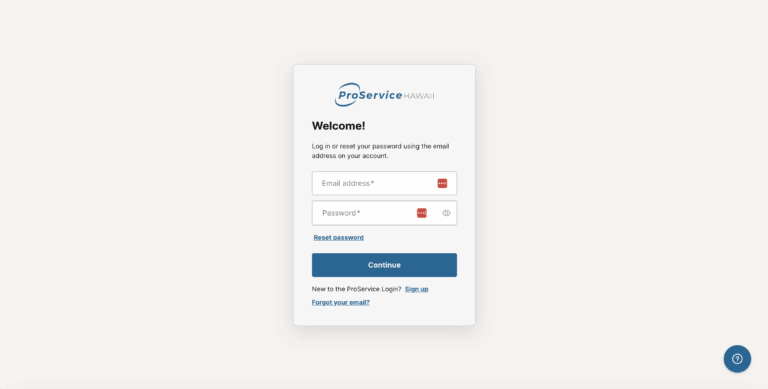
Log in to access all of your ProService features. Need help? Visit our help guide.
Other HR Logins
Follow the instructions below for more!
ProService Login is our new, more secure authentication portal to access your Prism HR portal.
We want to make it simple and accessible for you to get started with your ProService Login, so we’ve created three easy ways to learn: an interactive tutorial where you can click through each step, a clear step-by-step written guide, and a video walkthrough. Choose the format that works best for you and get set up in minutes.
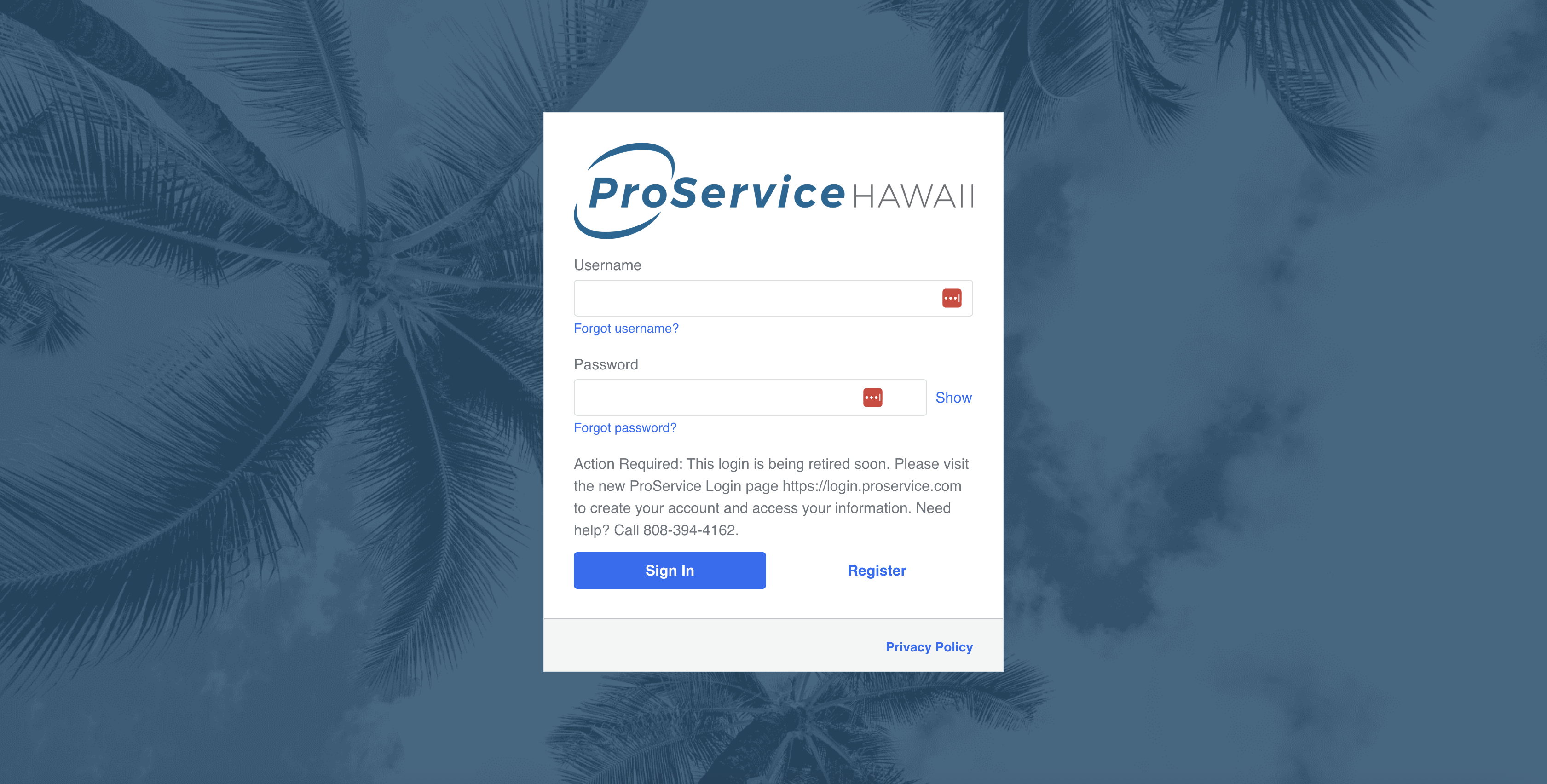
❌ Not ProService Login
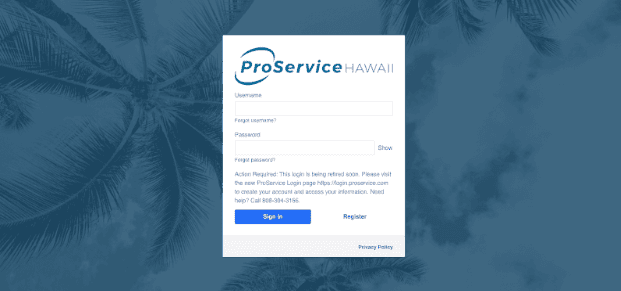
If you have not logged into Prism or have not logged in via ProService Login, you’ll need to set up a ProService Login Account.
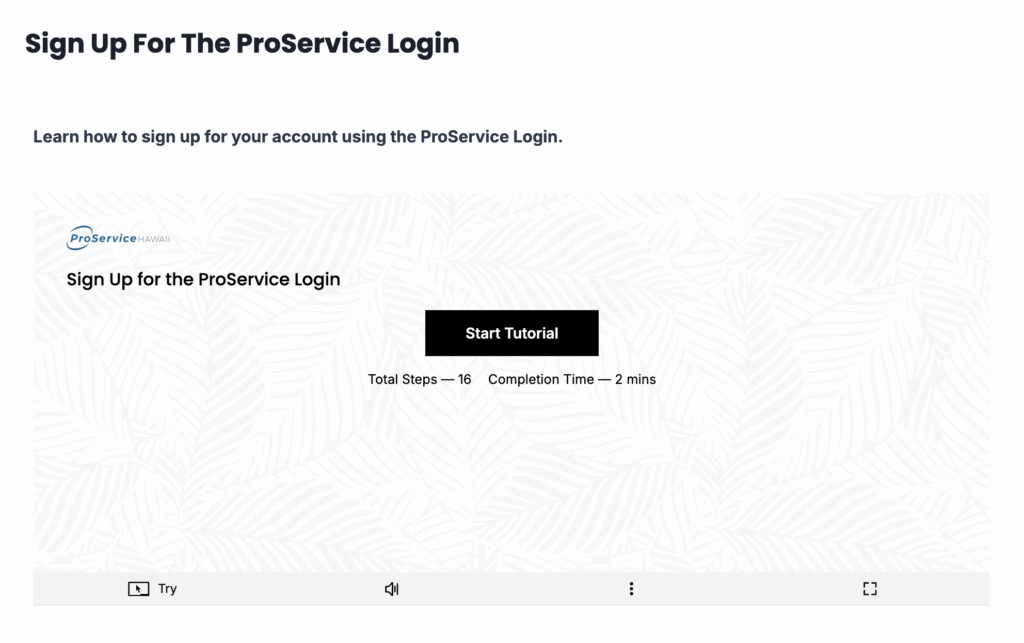
Dive right in and learn by doing, with guided steps you can click through at your own pace.
Access directions in a different language below:
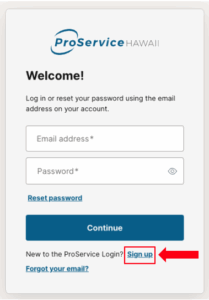
Go to: login.proservice.com. 📌 PLEASE BOOKMARK THIS PAGE!
At the bottom, “click Sign Up”
Note: If you think you already signed up for ProService Login but don't remember what email you used, you can use the “Forgot your email?” link.
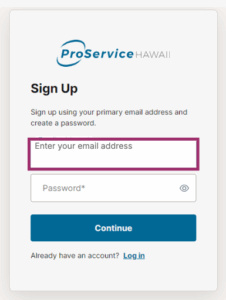
Follow the prompts to:
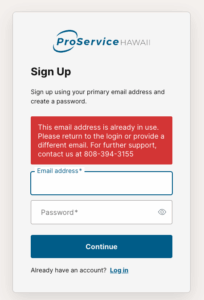
If you get the following message, your email is already associated with ProService Login! Great news, simply go back to ProService Login, type in your credentials and log in or if you have forgotten your password, click the “Reset password” link .
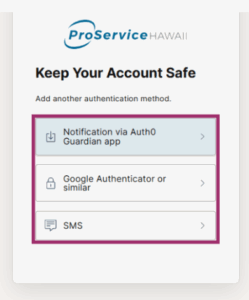
Set up Multi-Factor Authentication (MFA):
Connect your account(s):
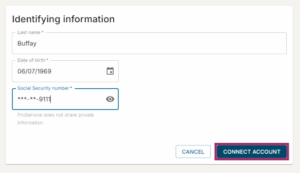
You may use the “Forgot your email?” option from the login page (https://login.proservice.com/). You’ll be asked to provide us with a few personal details to verify your information.
You may use the Reset Password option from the login page (https://login.proservice.com/)
Double check to ensure your information is entered in correctly. Please note that the Last Name field is sensitive to punctuation such as period (.), ‘okina (’), and apostrophe (‘) marks. If you have a suffix such as JR or SR, please ensure your name is entered as how it appears on your government IDs.
Verify you are clicking the link provided in the most recent password reset email.
Try the following:
Please call us at 808-394-4162 during business hours for assistance.
Try doing the following:
Please call us at 808-394-4162 during business hours for assistance.
Try doing the following:
You may have already signed up for an account. If you don’t remember which email you registered with, try using the “Forgot your email?” option from the login page (https://login.proservice.com/).
Double check to ensure your information is entered in correctly. Please note that the Last Name field is sensitive to punctuation such as period (.), ‘okina (’), and apostrophe (‘) marks. If you have a suffix such as JR or SR, please ensure your name is entered as how it appears on your government IDs.
You may use the Reset Password option from the login page (https://login.proservice.com/).
Please call us at 808-394-4162 during business hours for assistance.
Please call us at 808-394-4162 during business hours for assistance.
While there may be a mobile app available in your phone’s app store, we do not currently use such applications. Instead, you can use your mobile browser and add the login page to your Home Screen.
ProService Login is a secure and centralized login that allows clients and their employees to access Prism via a single link (login.proservice.com) and a single set of credentials. Many of our users need to manage multiple sets of credentials, sometimes across multiple Prism login pages, to get where they need to go in Prism. ProService Login simplifies that experience by bringing everything into one place under one login. In the future, as our team continues to build more functionality, clients and their employees will be able to access other HR applications via their ProService Login as well, in addition to Prism.
We use Multi-Factor Authentication (MFA) at ProService to protect your personal and company data from unauthorized access. Passwords alone are no longer enough—hackers can guess, steal, or trick people into revealing them. MFA adds an extra layer of security by requiring something you know (your password) and something you have (like a code from your phone). Even if someone gets your password, they still can’t access your account without that second factor. It’s a simple step that dramatically reduces the risk of fraud, data breaches, and identity theft, keeping your information and our systems safe.
If you need assistance with your ProService Login, please call our Employee Service Center line at 808-394-4162, available Monday through Friday, from 8:00 am to 5:00 pm HST.
Log in to access all of your ProService features. Need help? Visit our help guide.